

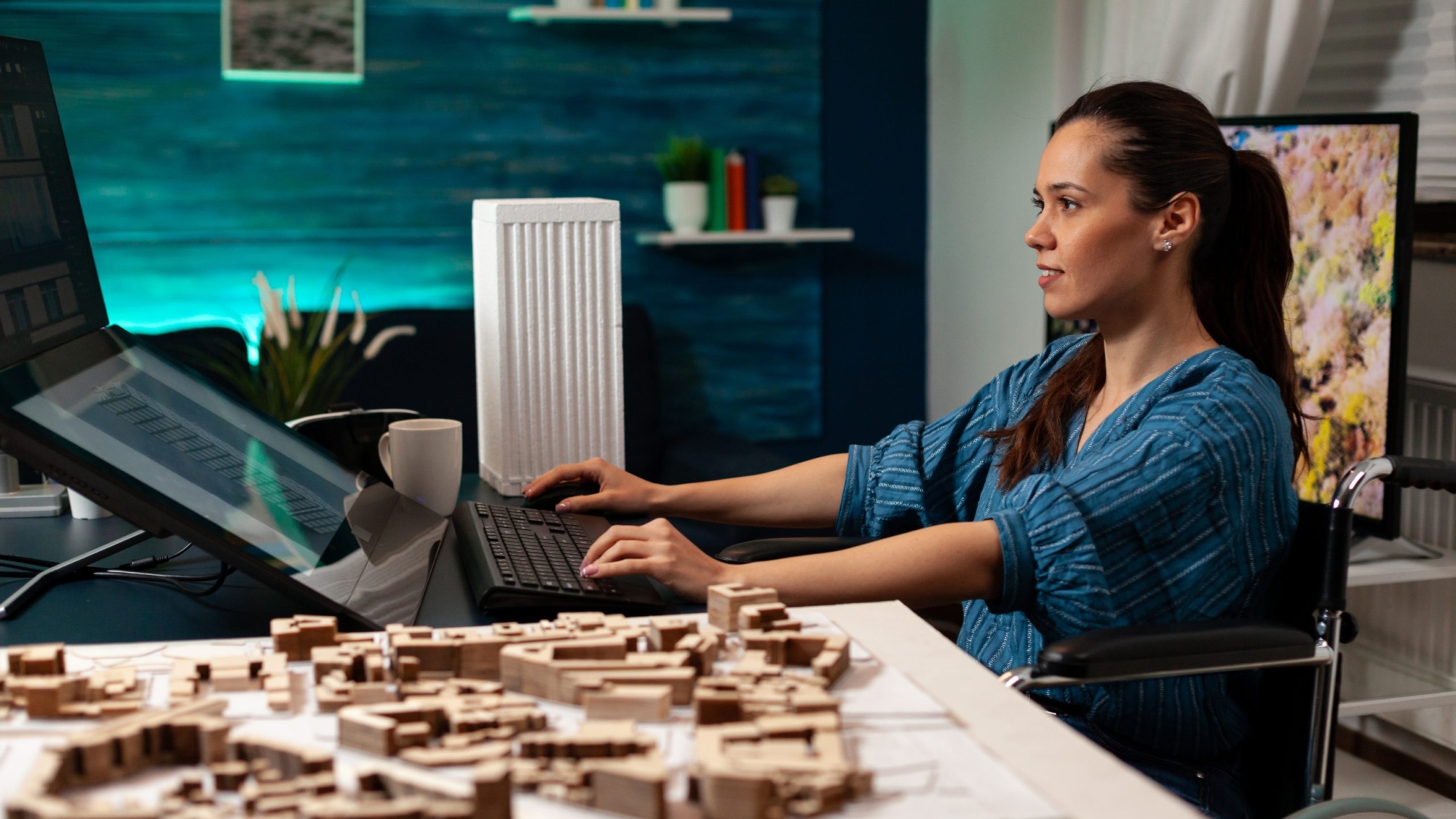
A home should work for the people who live in it. Yet many everyday environments are designed around a limited idea of how people move, see, hear, communicate, and interact with objects.
Modern technology is creating new possibilities for making household spaces more adaptable. Connected devices can provide alternative ways to control equipment, access information, and complete ordinary tasks. When these tools are thoughtfully introduced, they can help reduce unnecessary physical effort and make everyday environments easier to navigate.
Accessibility in home technology is therefore becoming less about specialized equipment and more about giving people choices.
More Than One Way to Interact
People do not interact with technology in the same way.
Some prefer physical controls. Others may find voice commands easier. A mobile interface can be useful for someone who prefers visual interaction, while large buttons or simplified controls may work better in other situations.
Modern connected devices can support several of these approaches at once.
This flexibility is important because accessibility is not a single requirement. Different people can face completely different challenges within the same room.
Providing multiple interaction methods allows technology to adapt rather than forcing everyone to use one particular method.
Reducing Physical Effort
Many household activities involve small physical movements repeated throughout the day.
Turning switches on and off, adjusting equipment, opening certain controls, reaching for remotes, or moving between rooms can become difficult for people with limited mobility or reduced strength.
Connected devices can provide alternatives.
A light can be controlled remotely. A compatible appliance can be operated through an application. Certain functions can be activated through voice interaction.
These capabilities may seem minor, but reducing one repetitive movement can make a routine noticeably easier when the same action occurs many times.
Voice Interaction as an Accessibility Tool
Voice technology has applications that extend beyond convenience.
For people who have difficulty using small buttons, touchscreens, or physical switches, spoken commands can provide another method of interacting with the home.
A person can request a compatible action without physically reaching for a control.
The usefulness of voice interaction depends on reliable recognition, clear feedback, and thoughtful system design. It should complement other control methods rather than eliminate them.
A well-designed environment gives people the freedom to choose whichever method is most comfortable in a particular moment.
Making Information Easier to See
Visual information is another area where technology can improve accessibility.
Digital displays can provide larger text, clearer contrast, adjustable brightness, and simplified interfaces depending on the device.
Notifications can also be presented through different channels. A household system might use visual signals, sounds, or mobile alerts to communicate important information.
This variety can be useful because people process information differently.
An accessible system does not assume that one type of notification will work equally well for everyone.
Lighting and Visual Comfort
Lighting has a significant effect on how easily a space can be used.
Insufficient illumination can make navigation more difficult, while excessive brightness or glare can create discomfort.
Adjustable lighting systems allow users to change brightness according to the activity, time of day, or personal preference.
Additional controls can make it easier to illuminate particular areas without requiring someone to reach a distant switch.
The objective is not simply brighter rooms. It is more appropriate illumination.
Helping With Orientation
Technology can also support people who have difficulty remembering where things are or completing multi-step routines.
Simple digital reminders, clearly labeled interfaces, visual indicators, and scheduled notifications can help structure activities.
For some users, consistency can be particularly valuable. When controls behave in predictable ways, there is less need to relearn how equipment works.
This highlights an important principle of accessible design: simplicity and consistency can be just as valuable as advanced functionality.
Safer Interaction With Household Equipment
Accessibility and safety can overlap.
Connected devices can provide additional ways to monitor equipment or receive notifications about its status. A person may be able to check whether a compatible appliance is operating without physically approaching it.
Some systems can also provide alerts when a particular condition occurs.
These capabilities can reduce uncertainty and make it easier to remain aware of household activity.
However, technology should not be treated as a substitute for appropriate physical safety measures. Connected features are most useful when they complement sensible household design.
Technology for Different Generations
Accessibility is not limited to people with permanent disabilities.
Needs can change throughout life. Older adults may prefer larger controls or simpler interfaces. Children may benefit from clearly defined controls. Someone recovering from an injury may temporarily require alternative ways to interact with equipment.
A flexible connected environment can accommodate these changing circumstances.
This makes accessibility valuable for the entire household rather than a narrow group of users.
Designing Without Making Technology Feel Clinical
One challenge with accessibility-focused equipment is that it can sometimes appear overly specialized.
Modern consumer technology is helping change that perception.
Many accessibility features are now built into mainstream devices. Voice control, adjustable displays, remote operation, and customizable interfaces can look and function like ordinary technology.
This creates a more natural experience.
People can choose tools based on what works for them without necessarily needing equipment that looks different from everything else in the home.
Simplicity Matters
Adding technology does not automatically make a home more accessible.
If a system requires complicated setup, numerous applications, or difficult sequences of commands, it may create new barriers.
Good accessible design often involves reducing complexity.
Controls should be understandable. Important functions should be easy to locate. Feedback should be clear. Alternative interaction methods should be available when appropriate.
The best solution may be the one that asks the user to remember the least.
Designing Around the Person
Perhaps the most important change is a shift in perspective.
Instead of asking whether a person can adapt to a particular device, designers and households can ask whether the device can adapt to the person.
That question opens the door to more flexible environments.
A home can provide multiple ways to control lighting, access information, operate compatible appliances, and manage daily routines. Each person can then choose the method that works most naturally for them.
Technology With a Human Purpose
Accessibility is ultimately about independence, comfort, and choice.
A connected device becomes genuinely meaningful when it removes an unnecessary barrier from an ordinary activity. It might make a switch easier to operate, information easier to read, an appliance easier to control, or a routine easier to remember.
These are not dramatic technological achievements, but they can have a meaningful effect on everyday life.
The future of accessible home technology is therefore not simply about creating more advanced devices. It is about creating spaces where people have more ways to interact, more freedom to choose, and fewer unnecessary obstacles between themselves and the things they need to do.
A smarter home is not merely one that can perform more functions. It is one that makes those functions easier for more people to access.